Step-1
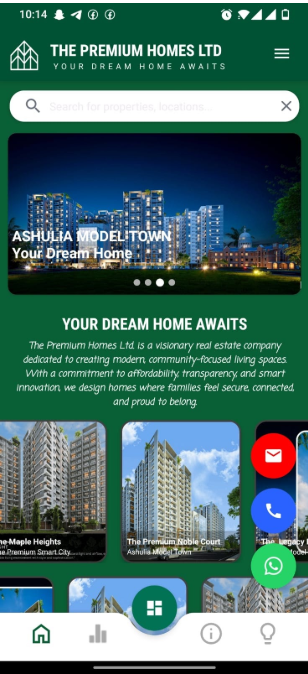
Open the TPHL App and tap the circular button located at the center of the bottom navigation bar.
Open the TPHL App and tap the circular button located at the center of the bottom navigation bar.
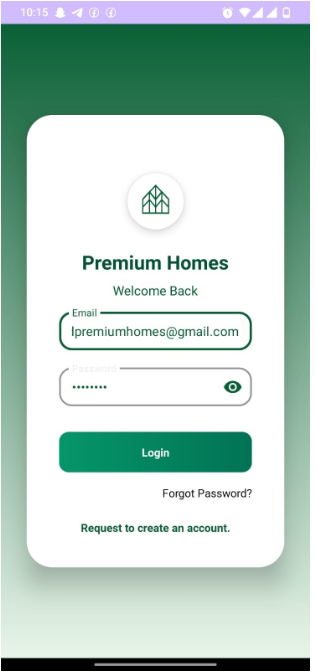
If you are not signed in, please sign in first and then tap the circular button again. You will be taken to the Dashboard.
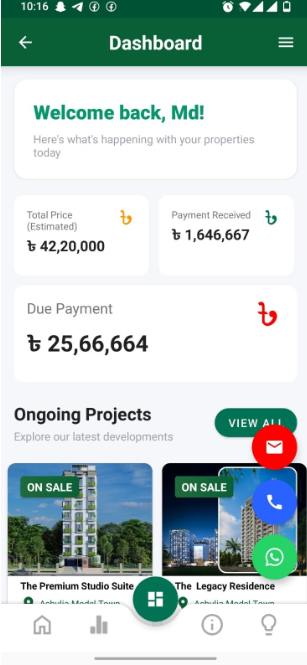
From there, tap the top-right menu icon to open the navigation drawer.
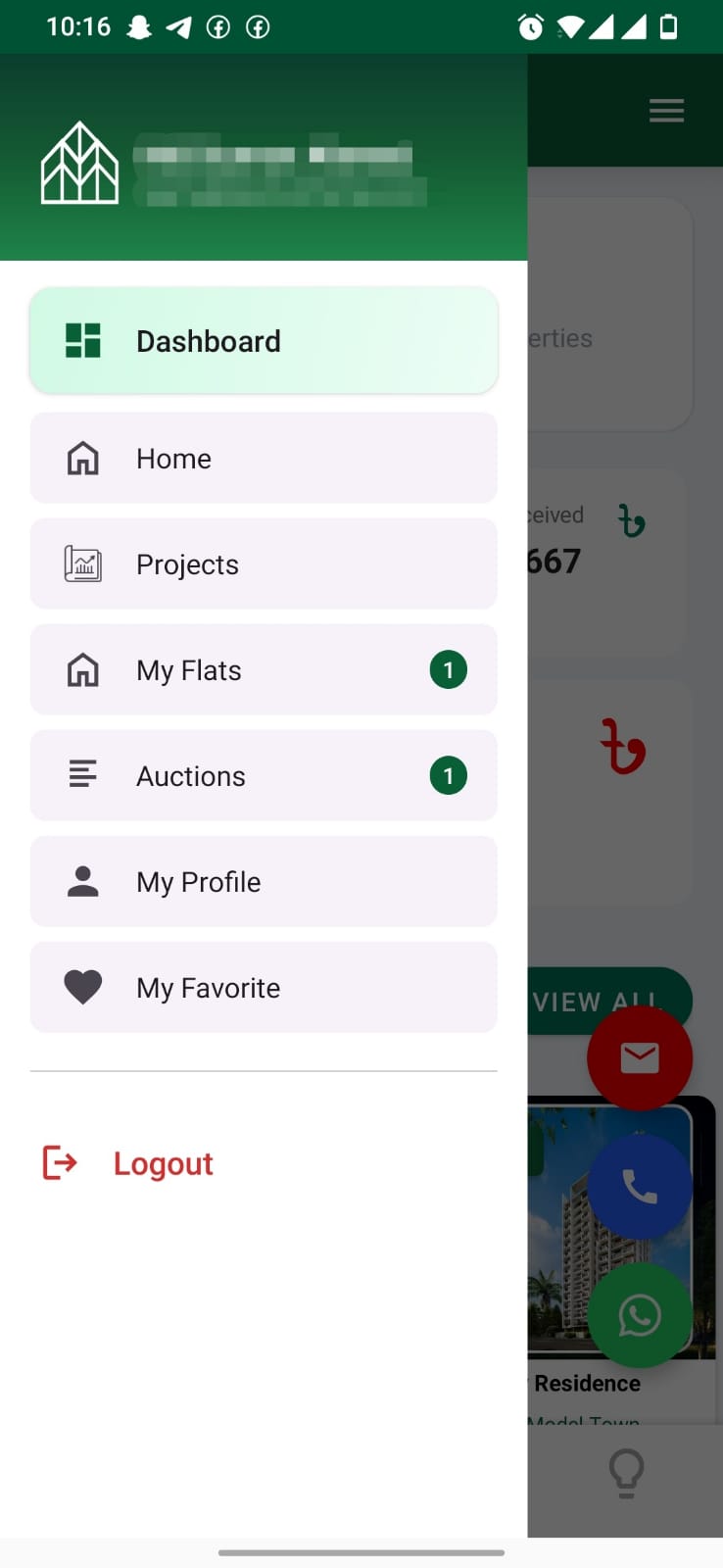
Select My Profile, which will take you to your profile page. On the profile page, you will find the Delete Profile option.
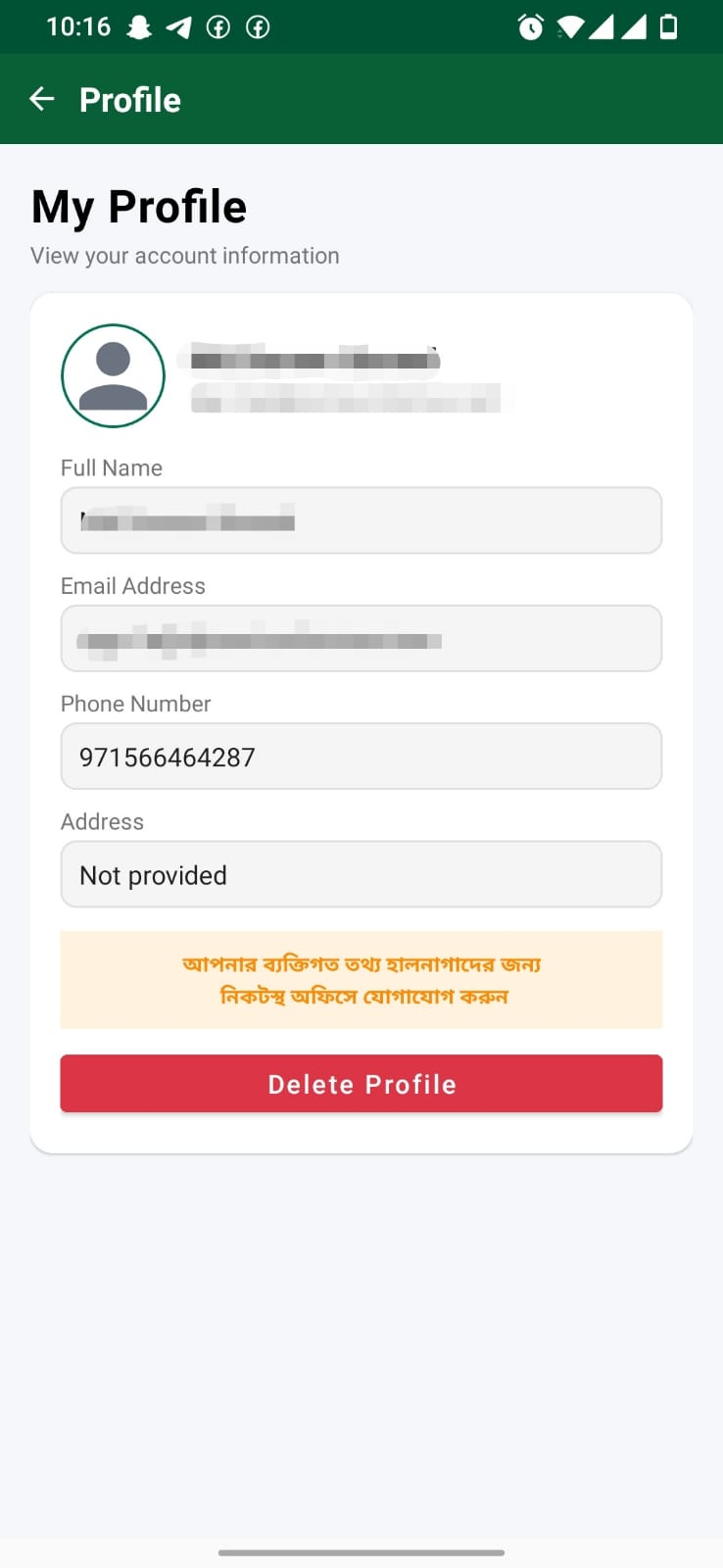
When you tap on it, a warning message will appear asking, "Are you sure you want to delete your account?" You will have two choices: Accept or Deny.
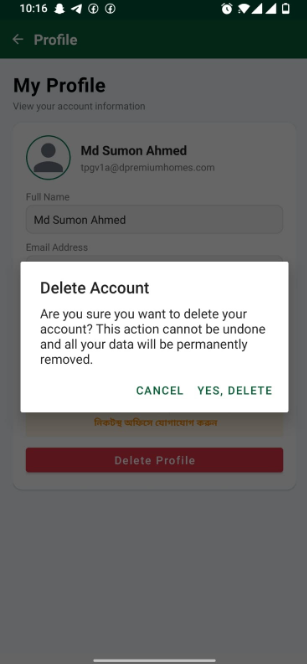
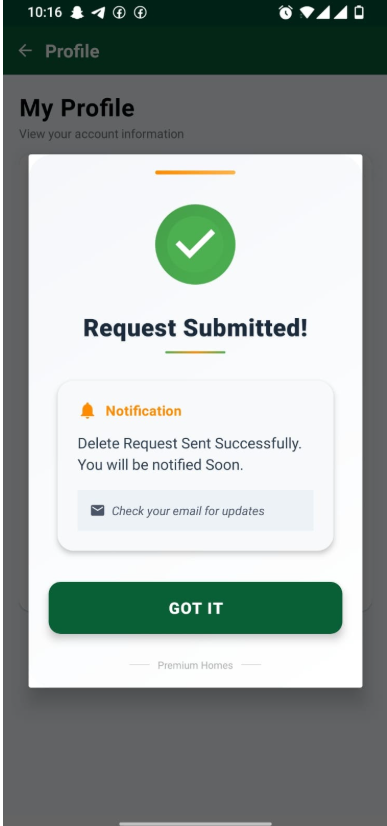
If you confirm the deletion, you will be logged out and your account deletion request will be submitted to the authority. You will be notified as soon as the authority approves and permanently deletes your account.